

Drive and turn
Forward, backward, turning or each wheel on its own, at your own speed.

Free · no sign-up · with or without a robot
With VisuBot you build programs for the mBot2 learning robot as a structogram or write them in Java. The 3D simulator shows right away where it drives. Connect the real mBot2 with a USB cable and it drives along.
The simulator runs in any browser. For the real mBot2 you need Chrome or Edge and a USB cable.
How it works

Drag mBot2 commands like “move forward” and “turn right” into the structogram, or type them in Java.

The 3D simulator shows right away which path your program drives. No robot needed.

Connect the real mBot2 with the USB cable. It drives your program step by step.
Features
Motors, sensors, light and sound: every part of the robot has its own commands.
Forward, backward, turning or each wheel on its own, at your own speed.
Measure distance, line, colours, light, loudness and tilt, and react to them.
Light up the five LEDs, play melodies and show text or emotions on the screen.
After every change VisuBot runs your program and shows the drive in the 3D simulator.
Type Java code and the structogram builds itself alongside, and the other way round.
The mBot2 connects over a USB cable straight to Chrome or Edge. No program, no account.
Learning area
27 robot lessons, from your first structogram and the 3D tour of the mBot2 to your own methods. Plain Java without a robot is what you learn in VisuStruct. You try each lesson right next to it, in the simulator or with the real mBot2.
Your progress stays on your device. The VisuBot lessons are available in English and German.


Without a robot
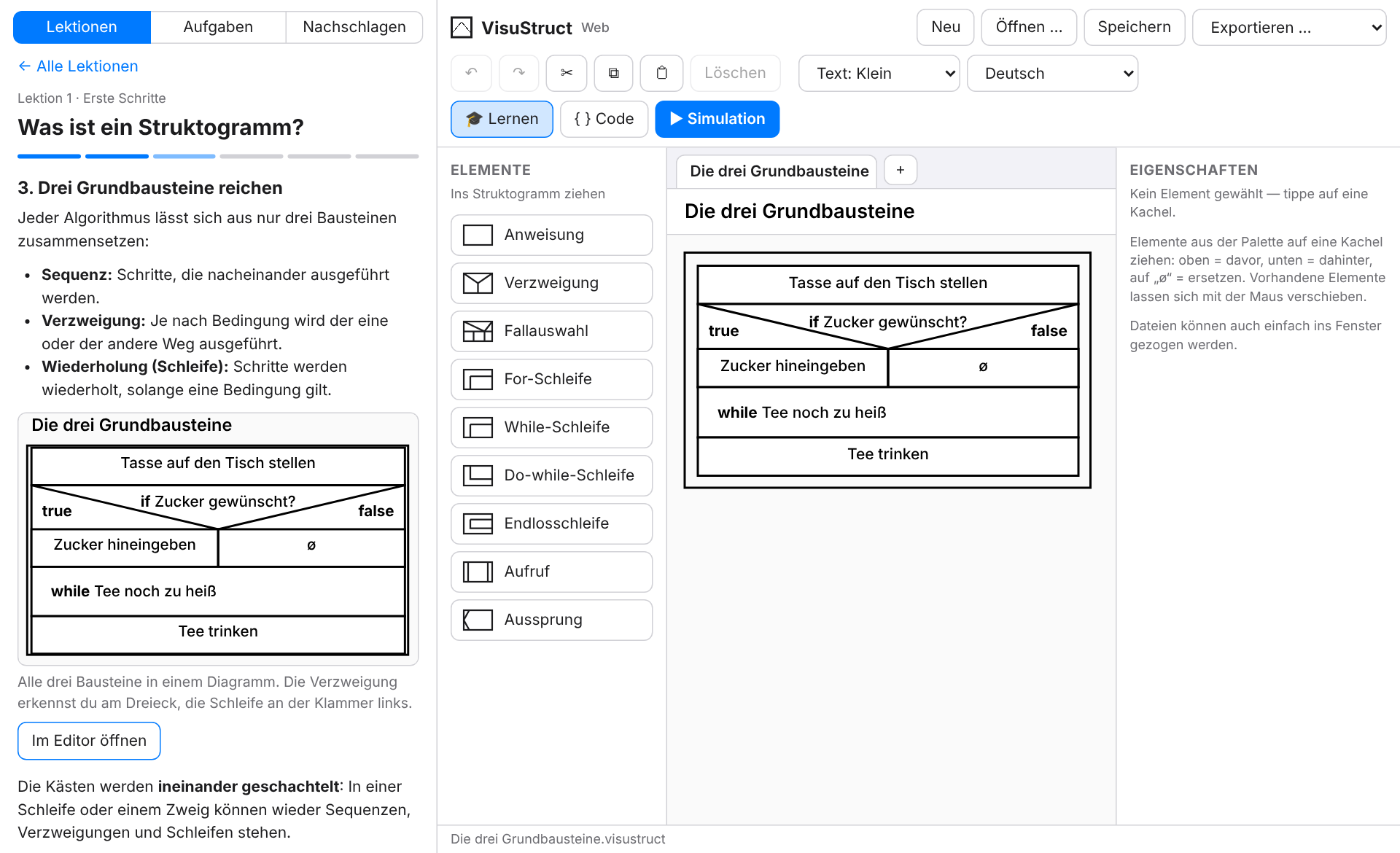
VisuBot is part of VisuStruct. With VisuStruct you build structograms without a robot, test them step by step and turn them into Java, Python or JavaScript. You can switch at any time in the gear menu.
Plan the route as a structogram, check it in the simulator and then let the real robot drive.
Try it now